

iOS SDK
v2.3.12024-10-22

- Minimum OS
- iOS 15.0+
- Supported Languages
- Swift, Object-C
Develop tactile graphics apps for people with visual impairments using the DotPad SDK—supported on iOS, Android, Web, Windows, and Linux.
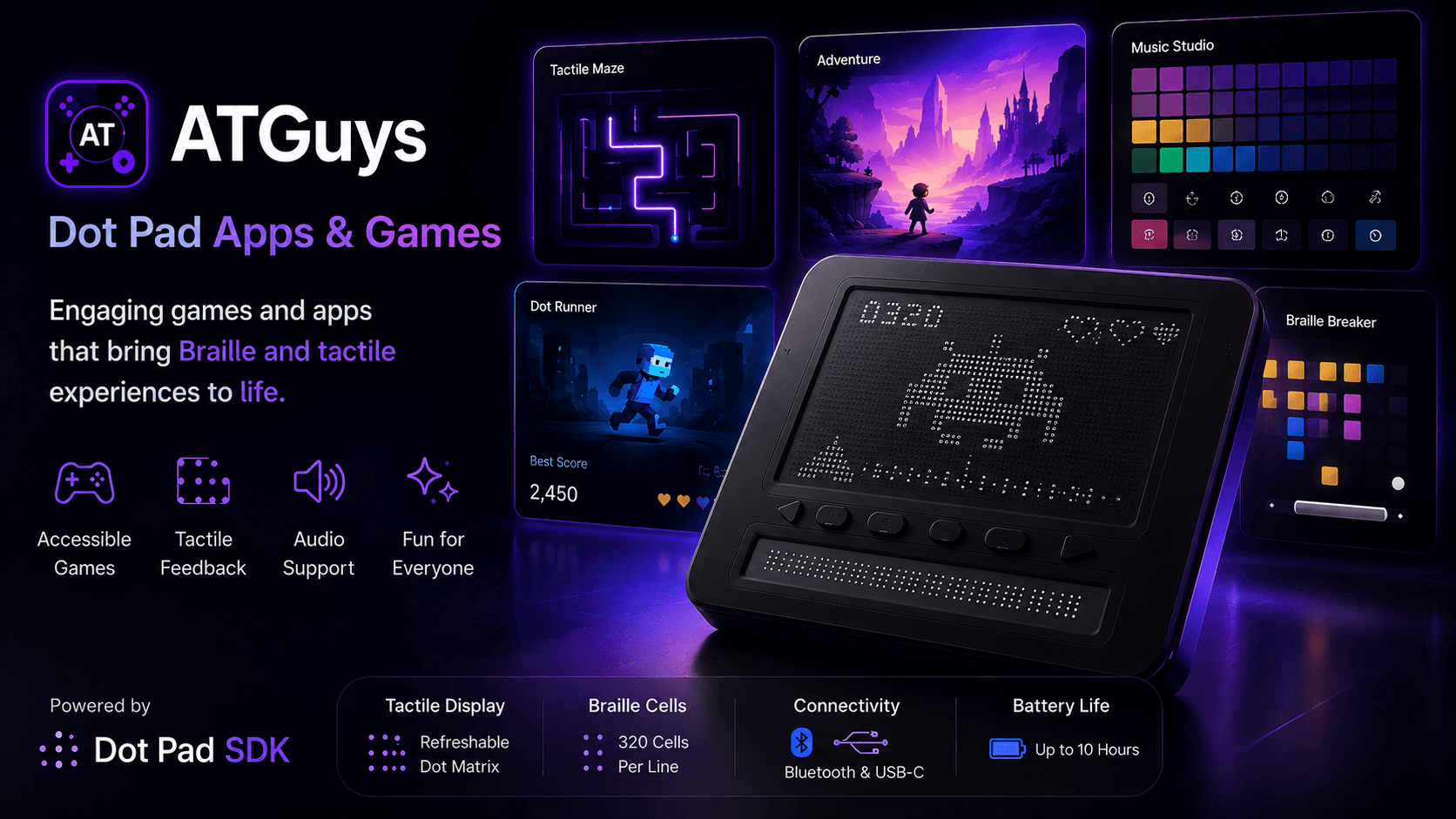
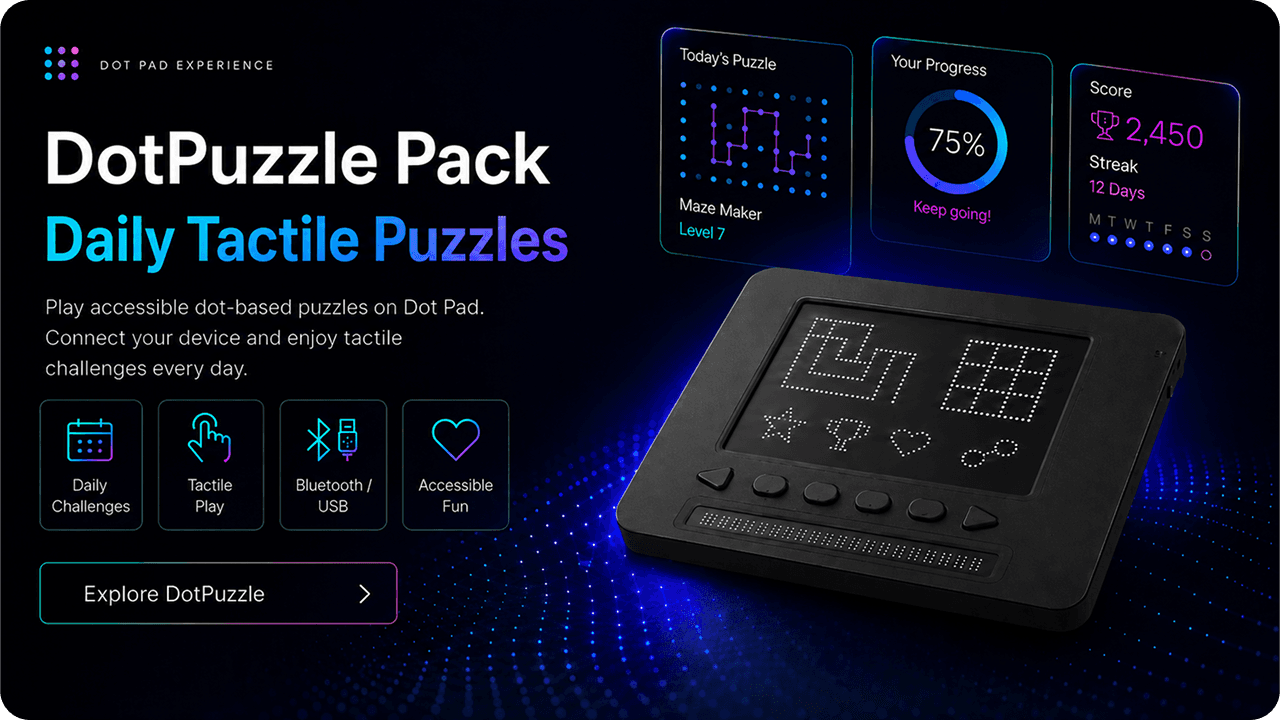
Explore real application and service examples developed using DotPad SDK. They are used across a wide range of areas, including education, creative activities, media, and everyday life.
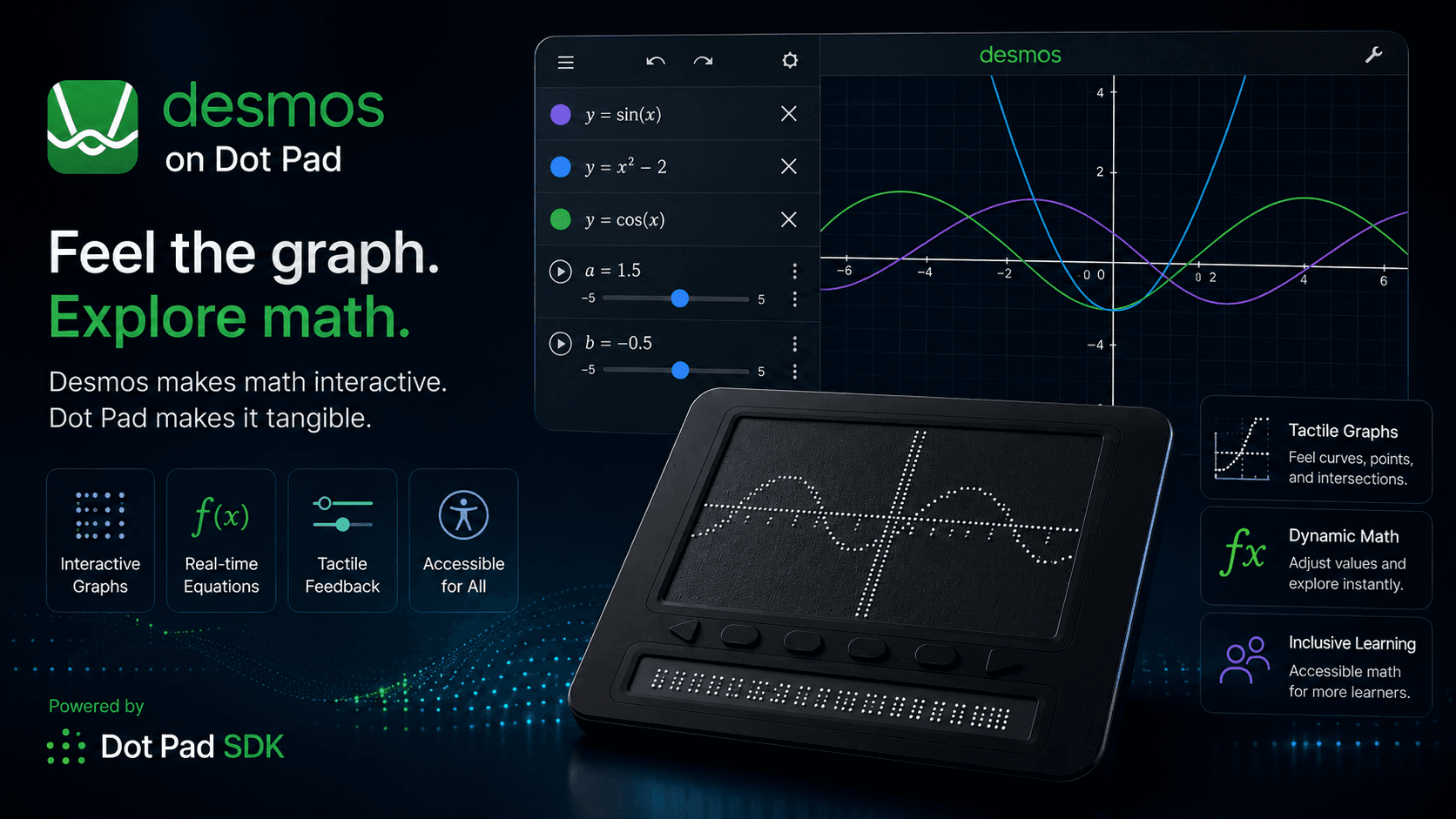
Explore graphs, charts, and equations through touch. Digitizing math education for people with visual impairments.
Get real-time routes represented through tactile graphics, supporting independent movement for people with visual impairments.
Tactilely visualize the waveforms of music and audio content, delivering a new media experience.
Create on a tablet and convert your artwork into tactile graphics in real time. Enhances creativity.
Use a tactile deck to make your business plans and reports more inclusive.
Smart home controllers transform everyday apps—such as cameras, maps, and messaging—into tactile formats, making daily life more convenient.
Start development by choosing the SDK for iOS, Android, Web, Windows, and Linux. You can view installation instructions and release notes for each platform.
Supports the development of highly accessible apps that anyone can enjoy without barriers by integrating with the tactile graphics display "DotPad," designed for people with visual impairments.
In particular, it provides seamless integration with Apple's AxBrailleMap API and VoiceOver, helping developers create more intuitive and powerful tactile experiences within familiar environments.
A 30×10-cell graphics display, and a 20×1 text display
64kB RAM and 128kB flash memory
USB-C port for charging
Stable and fast data transfer using low-power Bluetooth LE V5.0
Size: 273.6(L) × 228.5(W) × 16.3(H) mm — Lightweight: 1.2 kg — Up to 11 hours of autonomy (battery life)
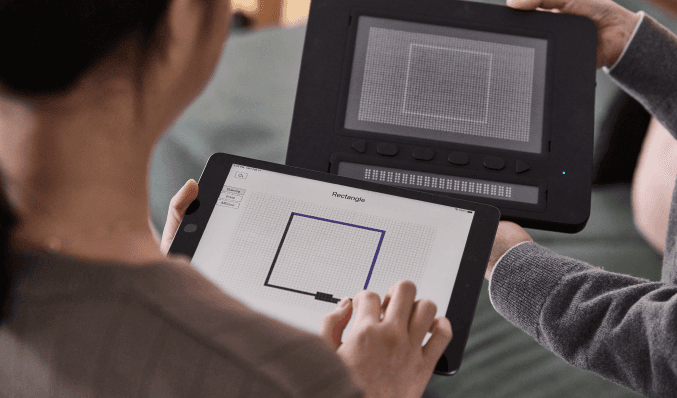

We support AI skills enhancement so that every learner and expert can lead the future. We also create an environment where every developer can implement accessibility technologies without barriers. With DotPad SDK, we break down the boundaries of digital content through braille and tactile graphics—opening the way to a world where everyone can experience information equally.
Release Note
Transform millions of people's everyday lives with an innovative accessibility app.